
We are a Digital Marketing Agency
In Chennai, India who
specialize in helping your customers reach you
on the web.
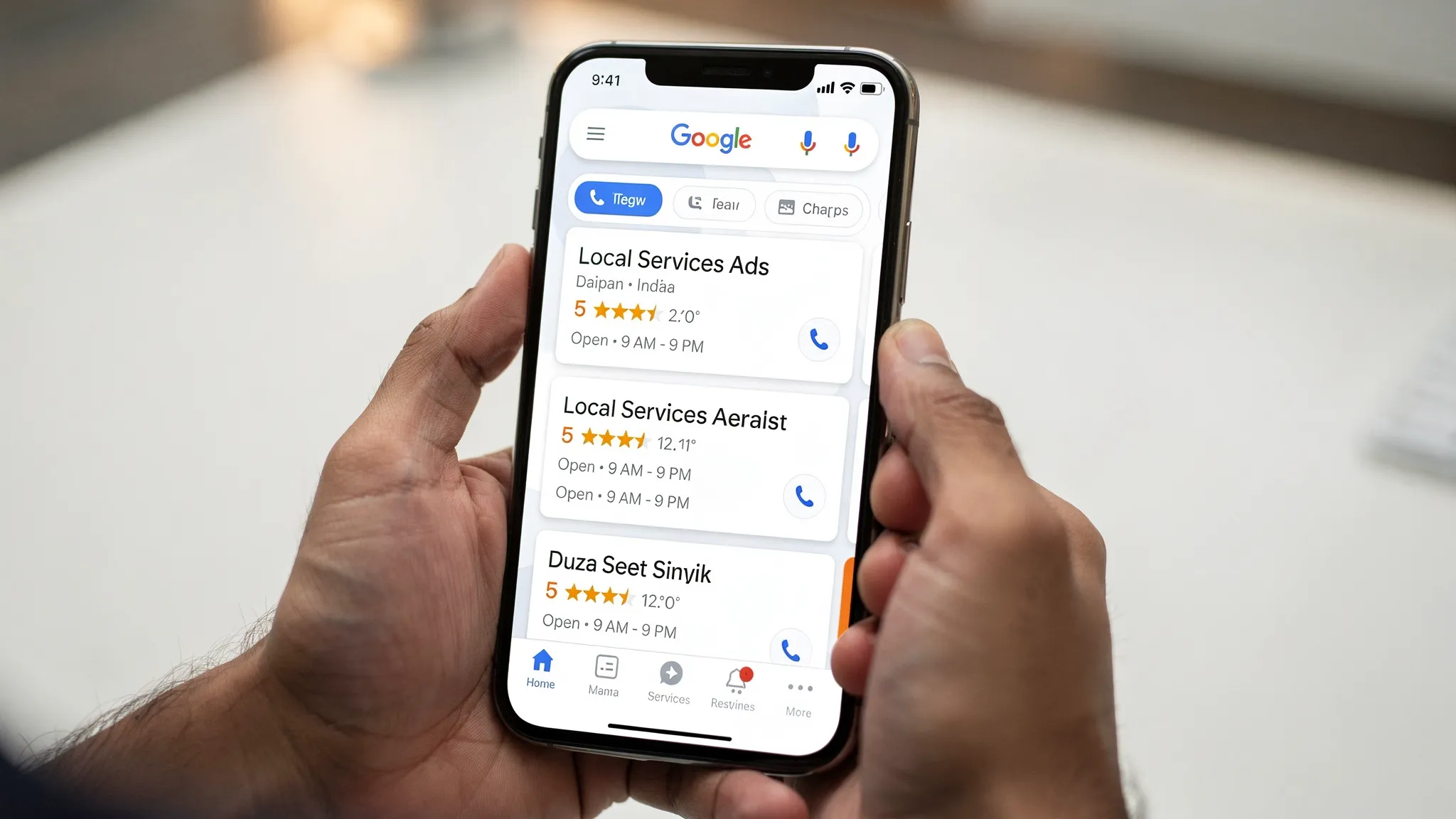
Indian service businesses are seeing Local Services Ads appear more often on searches that matter, from plumbers near me to divorce lawyer in Delhi. If you are evaluating Local Services Ads in India, this guide gives you a practical playbook, setup steps, verification checklists, and proven tips to dispute bad leads so you only pay for real opportunities.
Local Services Ads (LSAs) are pay per lead placements that sit at the very top of Google Search for eligible service categories. You are charged for qualified calls or messages, not for clicks. Ranking depends on your review score, proximity, responsiveness, budget and category eligibility, not on keywords or Quality Score like standard Google Ads.
Key distinctions:
Learn more from Google’s official resources: Local Services Ads Help Center and the product page at ads.google.com/local-services-ads.
LSA availability varies by country, category and city. In India, rollout is gradual and can differ by metro and vertical. Before you plan budgets, check eligibility for your business type and location using Google’s LSA signup flow on the product page above. If your category or city is not supported yet, you will be notified during onboarding. In the meantime, you can prepare your profile and reviews, or use alternatives we list later in this guide.
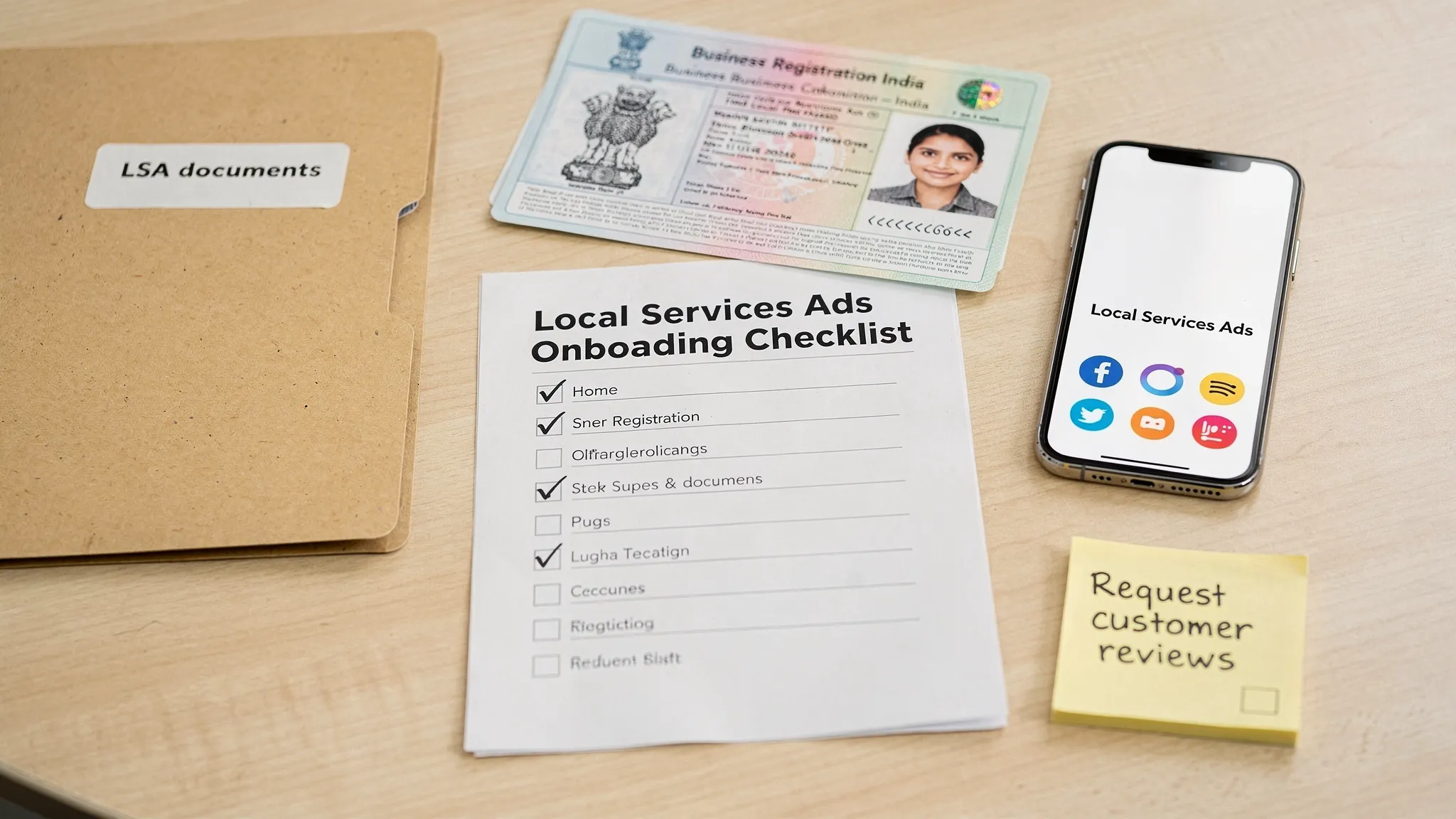
Having documentation and assets ready speeds up verification and reduces back and forth. Be prepared with:
Note, Google may engage third party verification providers. Specific checks and document types can vary by country and vertical, so always follow the prompts you see inside the LSA dashboard.
Verification is what unlocks visibility and, where applicable, Google’s badges for your category. To shorten timelines and reduce rejections:
If a document is rejected, review Google’s reason note in the dashboard and reupload a corrected version. If you believe the decision is an error, contact LSA support via the Help Center with your case ID.
Not every contact is billable. Google allows disputes for specific reasons. File disputes promptly from the Leads tab inside your LSA account.
Typical disputable reasons, examples and the proof that helps:
| Dispute reason | Example | Helpful proof |
|---|---|---|
| Job not offered | Caller asked for a service you did not select, for example AC installation when you only do repairs | Call recording snippet, services list screenshot |
| Outside service area | Lead was from a PIN code you do not target | Caller’s stated location in recording, your service area screen |
| Wrong business / sales call | Vendor pitching products, recruiter calls, competitor calls | Recording showing solicitation or mismatch |
| Duplicate lead | Same customer contacted twice within a short window | Two lead IDs, recordings, timestamps |
| Unconnected call / wrong number | Silent voicemail, wrong person picked | Call log showing duration, recording if any |
How to submit a dispute:
Good practices:
See Google’s guidance on disputes in the Local Services Ads Help Center.
You still have strong options to capture local intent:
For a refresher on how paid and organic work together, read our explainer on SEO vs SEM: Understanding the Differences.
Your exact timing depends on your category and the verification steps Google applies in your region.
Gilead Digital is a Chennai based digital marketing agency experienced in lead generation for local and multi city service brands. We help with:
If you want a clean, compliant setup and fewer wasted rupees on unqualified calls, talk to us. Call 9003116482 or reach us at Gilead Digital.
Sources and further reading:
hello@gileaddigital.in +919003116482 +919940380371
Chennai F1 IPPO 5 OMR Road,
Chemmancherry Chennai 600119.
Kochi 4th floor Pallippattu Dew Building,
Near Lulu Mall Edappally,
Kochi 682024